
If you work from home, game at your desk, or simply charge multiple devices every day, you already know how frustrating messy cables can become. Charging cables constantly sliding behind the desk not only look messy, but they also waste time and make your workspace feel disorganized.
The good news is that creating a clean, minimalist cable setup is much easier than most people think. With a few smart cable management ideas and the right accessories, you can completely transform your desk setup.
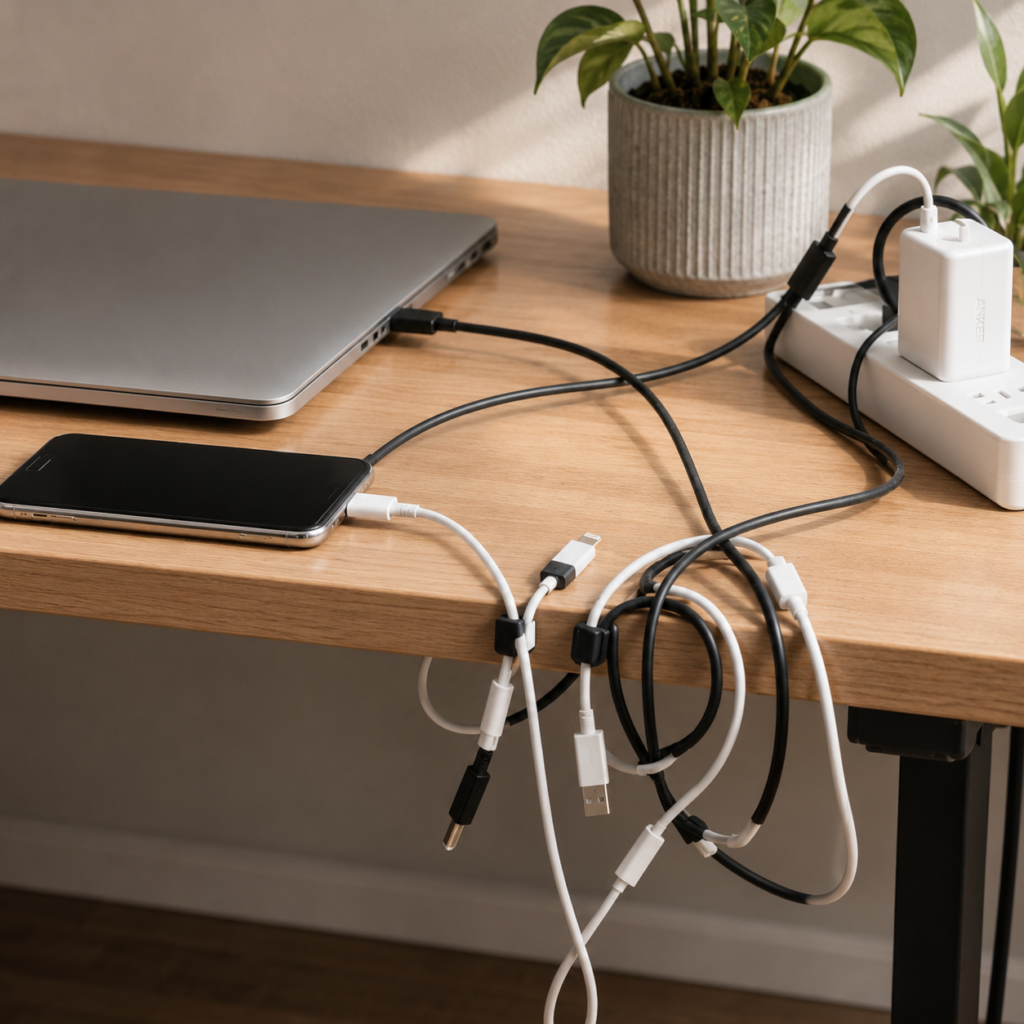
Why Do Charging Cables Keep Falling Behind the Desk?
Most charging cables are lightweight and flexible, which makes them easy to move accidentally. Every time you unplug your phone, move your laptop, or slide your keyboard, the cables slowly shift until they eventually disappear behind the desk.
Common causes include:
- Smooth desk surfaces with no cable grip
- Lightweight USB-C and Lightning cables
- Multiple charging devices sharing one workspace
- Poor desk cable routing
- Lack of dedicated cable organizers
For people using standing desks or minimalist desk setups, cable movement becomes even more noticeable.
Simple Cable Management Ideas That Actually Work
There are countless cable organization products online, but many are bulky, difficult to install, or simply not practical for everyday use.
The best desk cable management solutions are usually the simplest ones.
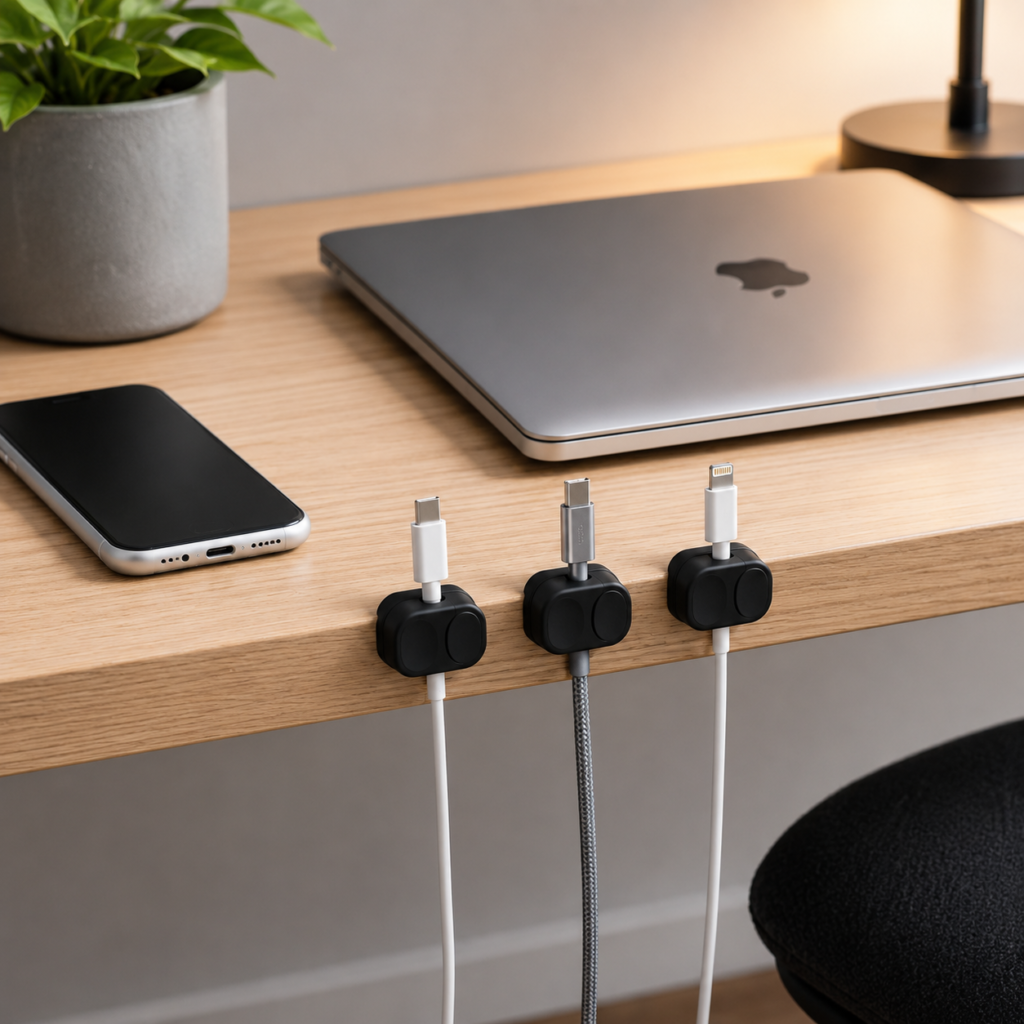
1. Use Magnetic Cable Clips
Magnetic cable clips help keep frequently used charging cables exactly where you need them. Instead of searching behind your desk every time you charge your phone, the cable stays attached and accessible.
They work especially well for:
- USB-C charging cables
- iPhone charging cables
- Laptop chargers
- Gaming desk setups
- Home office organization
Because magnetic clips are small and minimal, they blend naturally into modern desk setups without looking bulky.
2. Separate Power Cables From Data Cables
One of the biggest reasons desks look cluttered is that all cables get mixed together.
Try separating:
- Charging cables
- Monitor cables
- Keyboard and mouse cables
- Audio cables
This immediately makes your workspace feel cleaner and easier to manage.
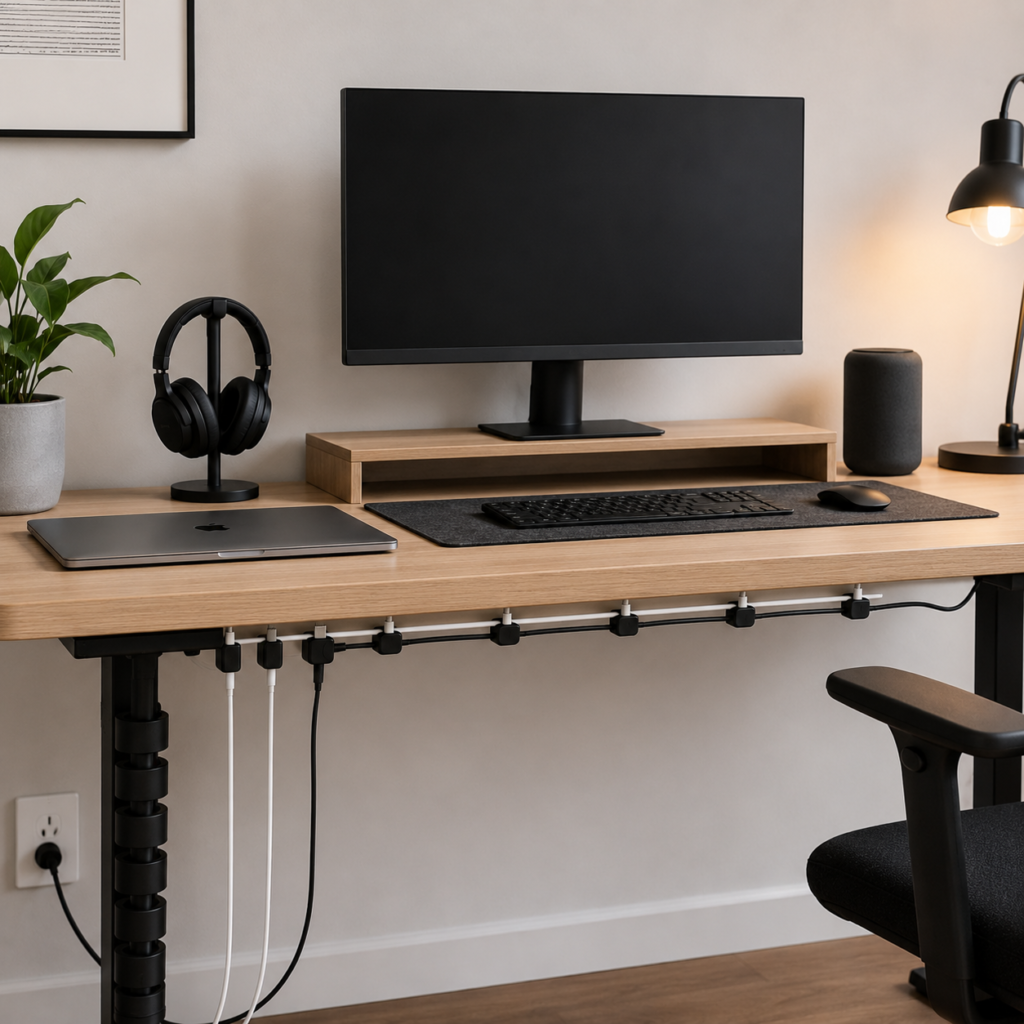
3. Route Cables Along the Edge of the Desk
Instead of letting cables hang freely, guide them along the side or back edge of your desk.
This creates:
- Cleaner visuals
- Less tangling
- Easier cleaning
- Better productivity focus
Many minimalist desk setups use hidden cable routing to maintain a clean aesthetic.
Why Minimal Desk Setups Are So Popular
In recent years, clean desk aesthetics have become extremely popular across platforms like Pinterest and Reddit.
People are moving toward:
- Minimal home offices
- Clean gaming setups
- Simple workspace organization
- Distraction-free environments
A tidy desk often helps improve focus and productivity while also making the entire room feel more organized.
Cable management plays a huge role in achieving that clean look.
Best Tips for Long-Term Cable Organization
If you want your setup to stay clean long term, consistency matters more than buying expensive accessories.
Here are a few practical habits:
Keep Only the Cables You Actually Use
Unused cables quickly create clutter. Remove old chargers and accessories you no longer need.
Use Shorter Charging Cables
Extra cable length creates unnecessary mess.
Organize Weekly
Spending just five minutes each week adjusting cables keeps your workspace looking clean.
Create Dedicated Charging Spots
Assign a fixed location for your phone charger, laptop charger, and accessories.